Heisei Days
A cozy life sim set in late-90s Tokyo, and my first game. I design the systems and the world, and direct AI agents that build in Unity and Blender from the command line, with tests and performance budgets behind every playtest.
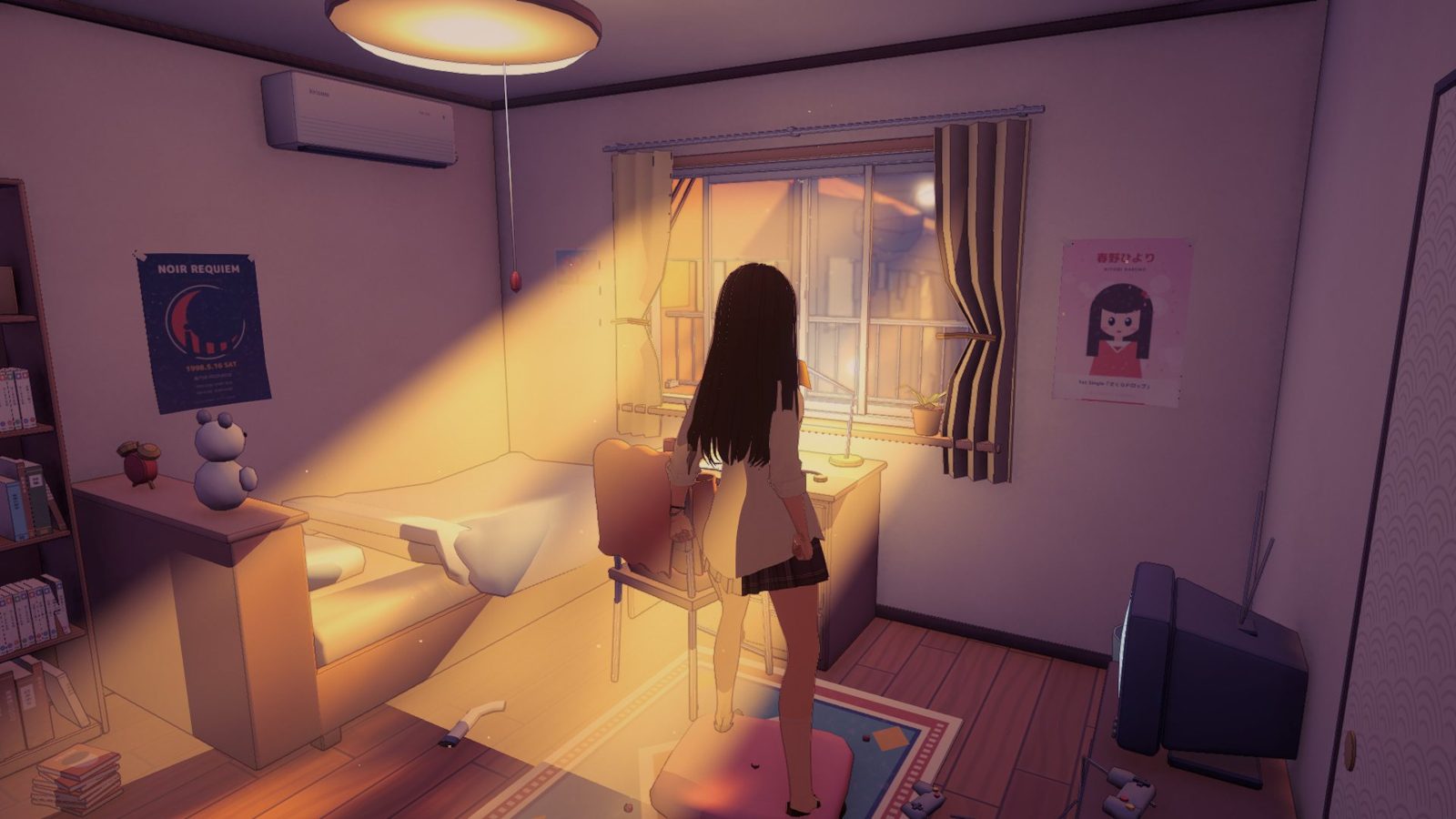 Golden hour · bedroom
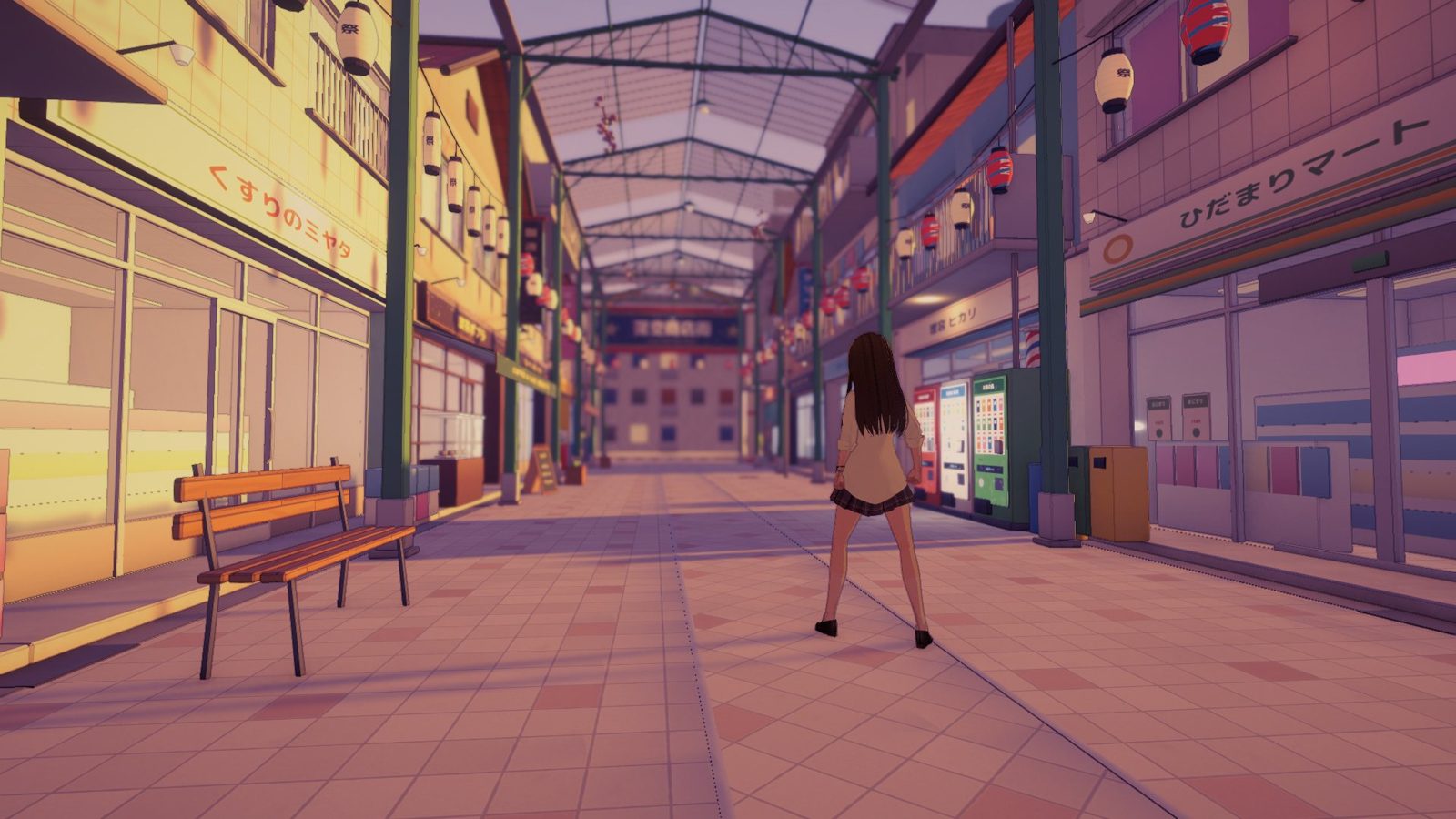 Golden hour · shopping arcade
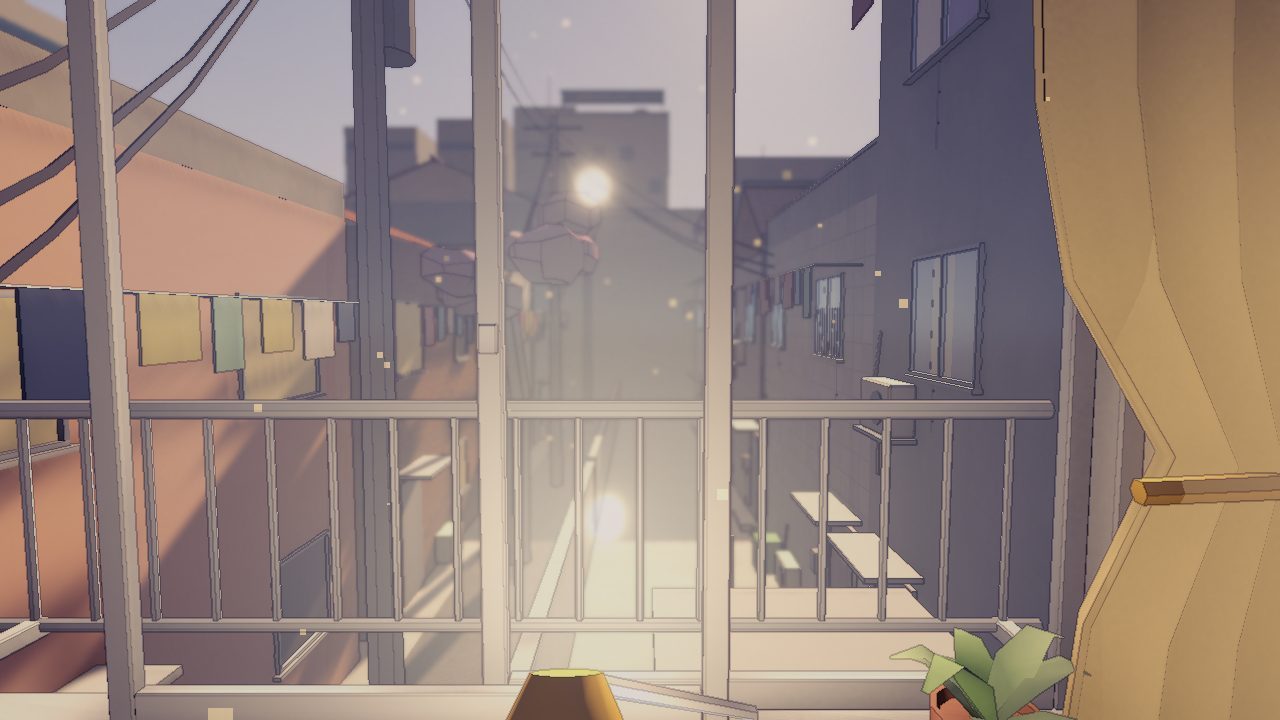
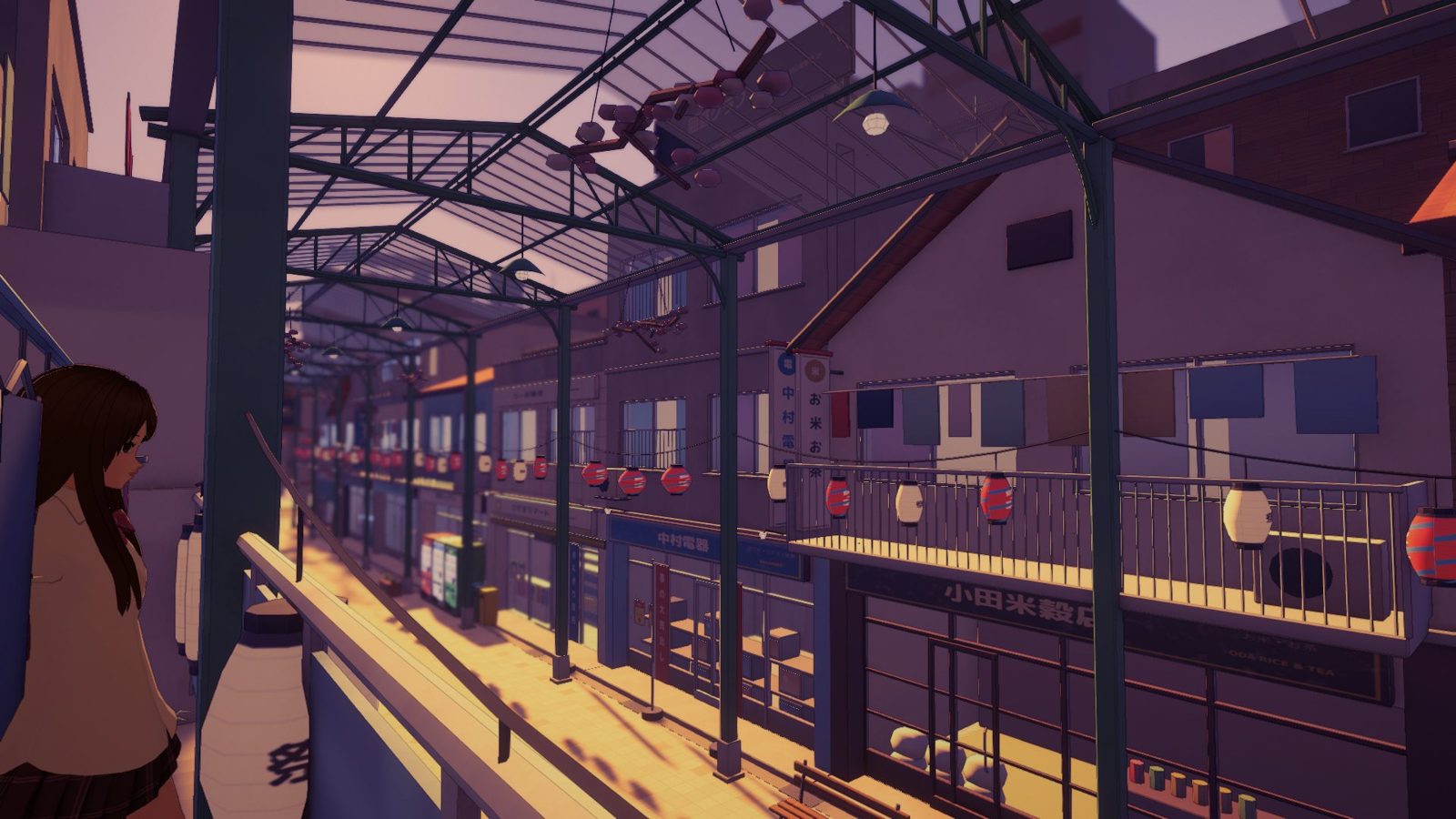 From the balcony
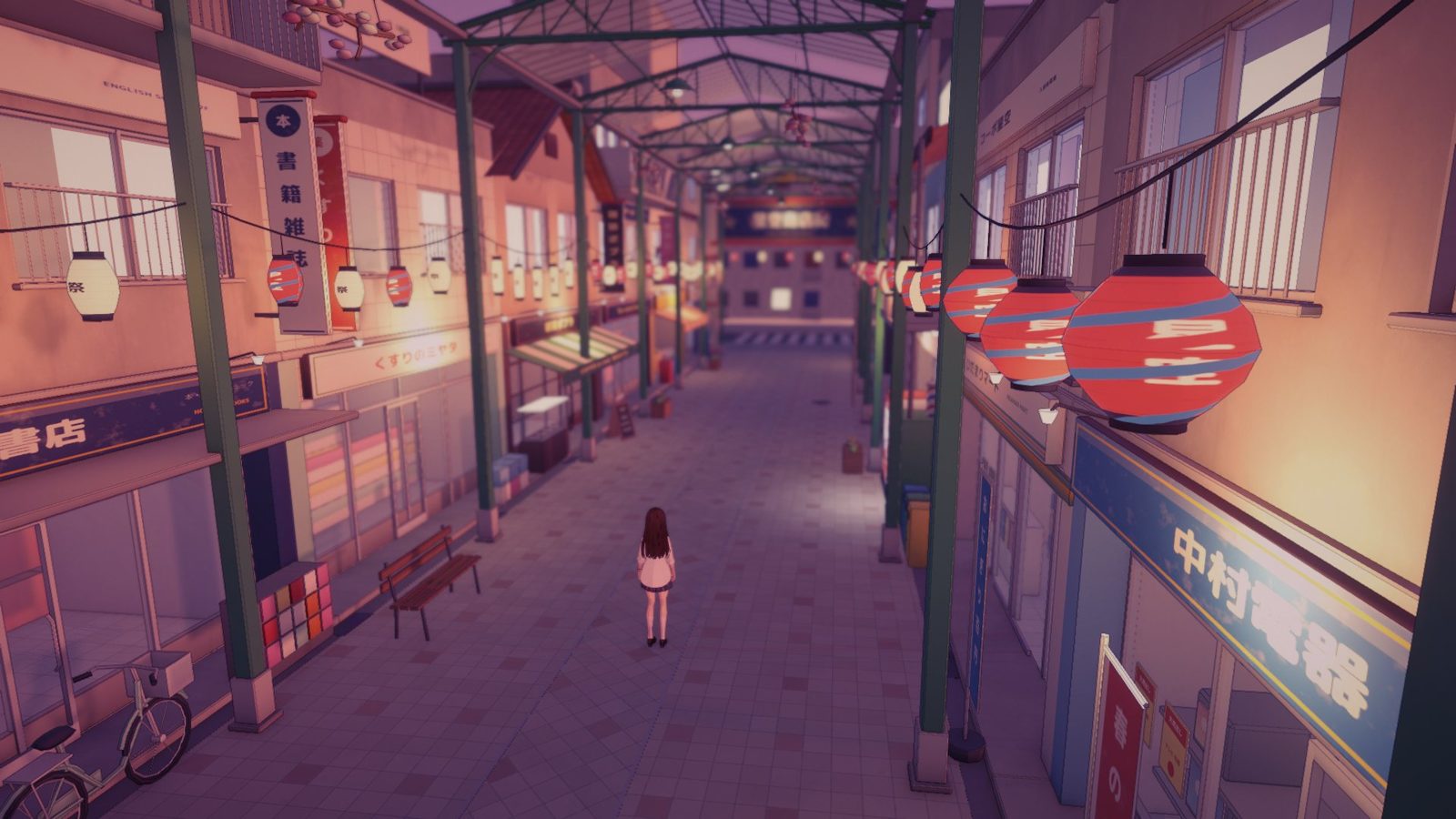 Dusk · the lanterns come on
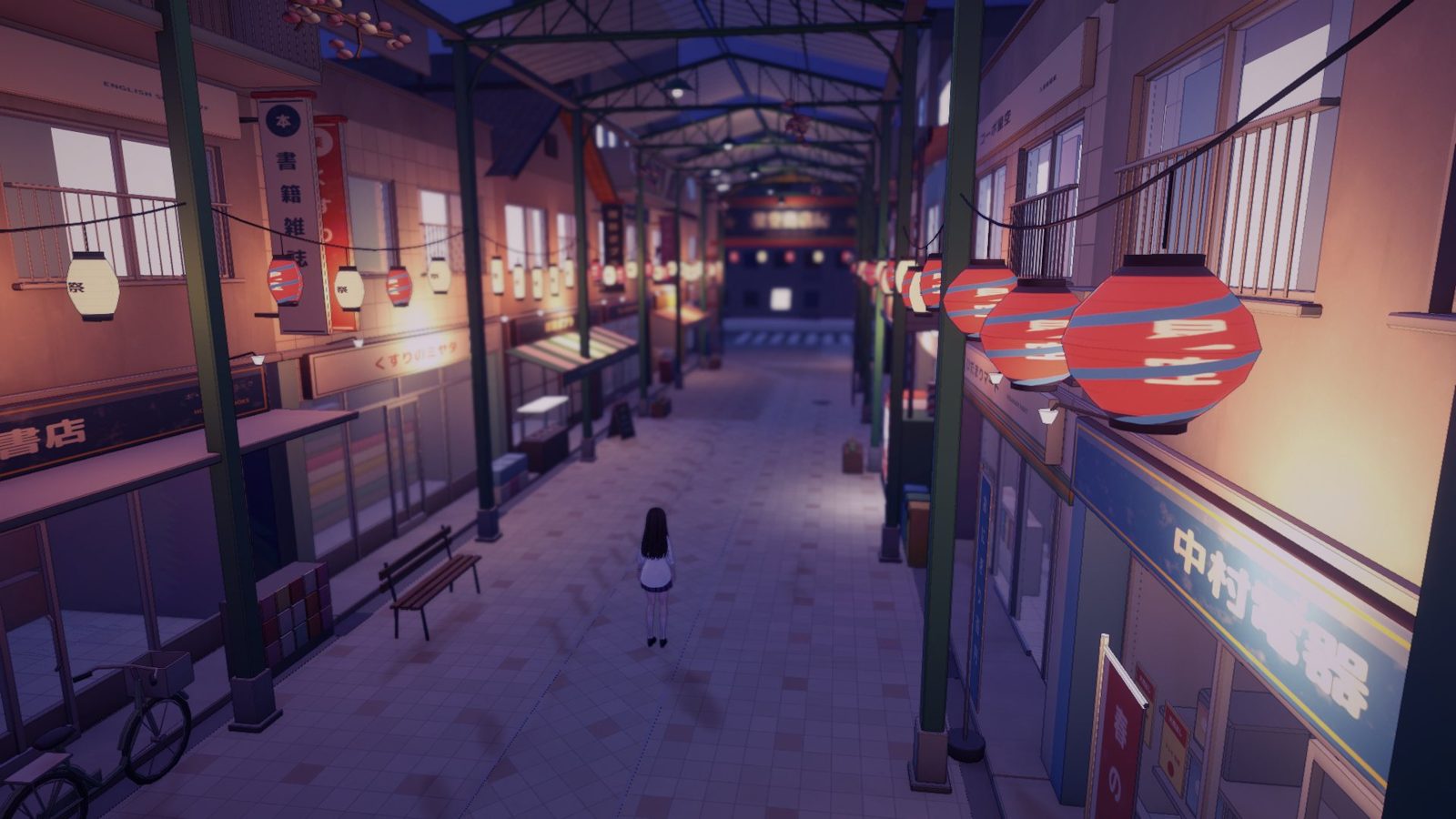 Night · shopping arcade
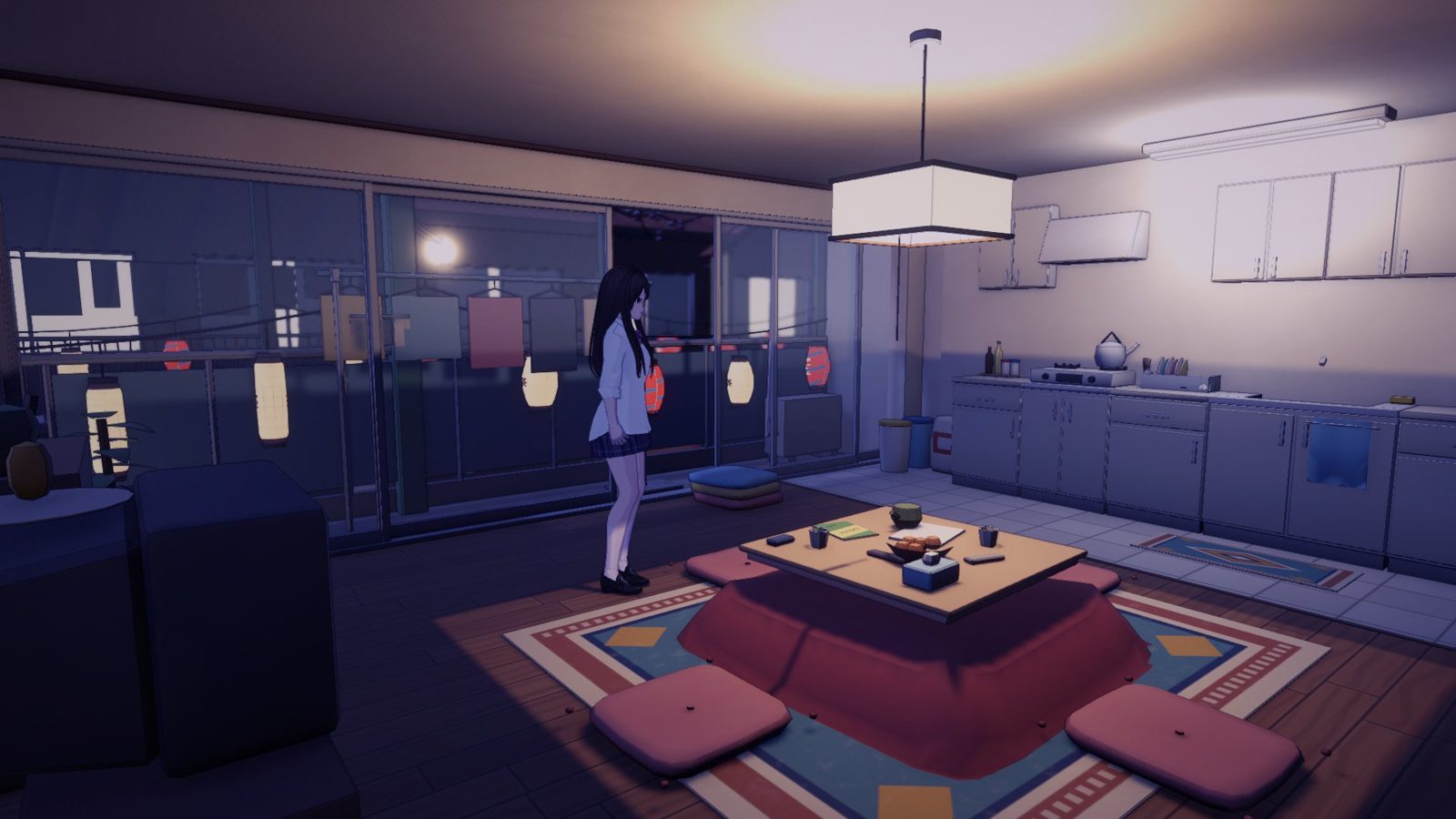 Night · living room
A browser prototype with a ceiling.
The first version ran in a browser tab. It proved the core loop: stats, daily schedules, relationships, a phone UI and about 400 dialogue nodes. But it drew everything on the CPU into a 267 × 150 pixel buffer, with no real lighting and no room for a whole walkable city.
A real engine, with AI agents on the tools.
I rebuilt it in Unity 6 and connected Claude to the editor through the Unity CLI and to Blender through its MCP server. It can build, play the game frame by frame, take screenshots and check its own work, so every playtest note turns into a tested fix.
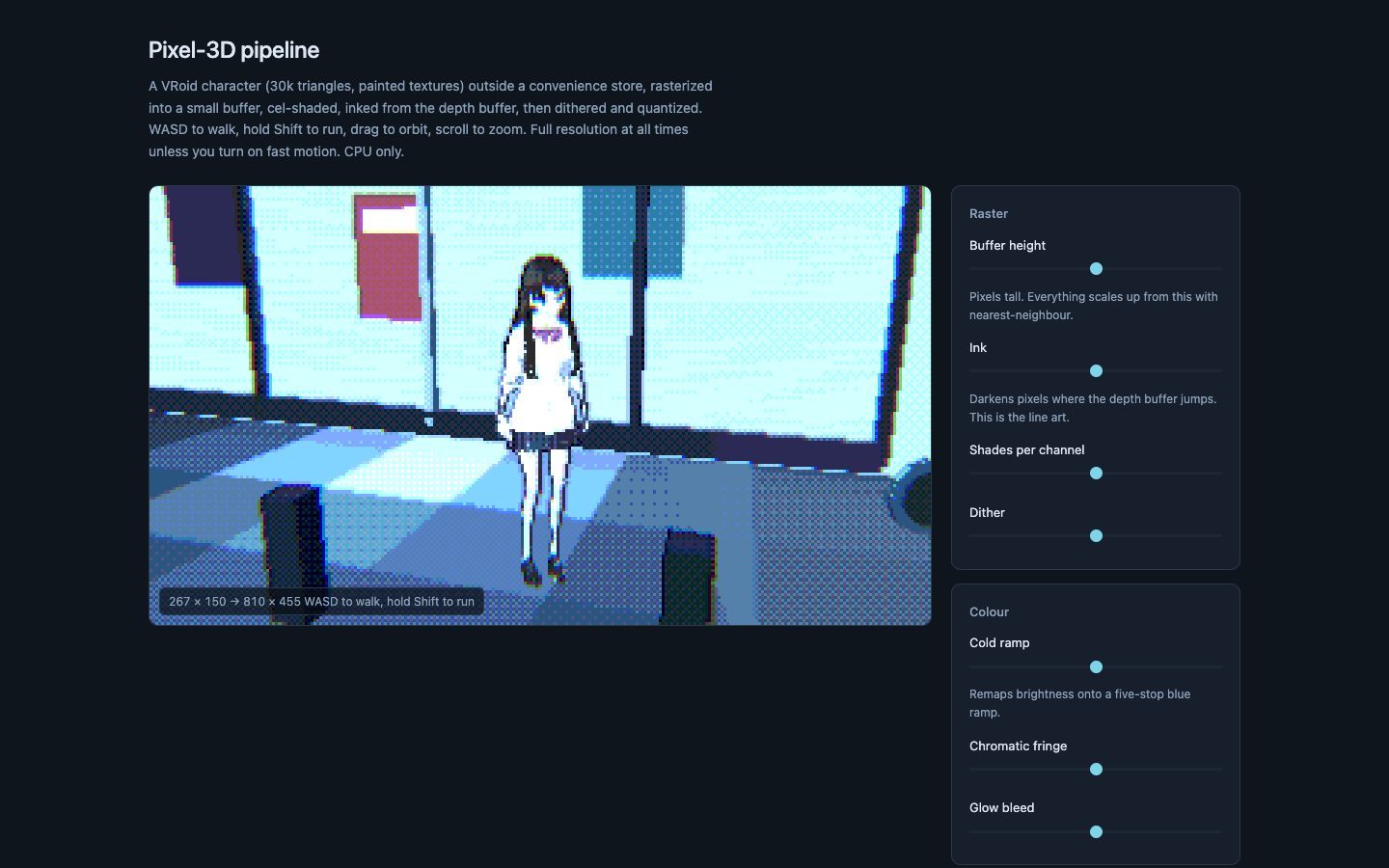 Before
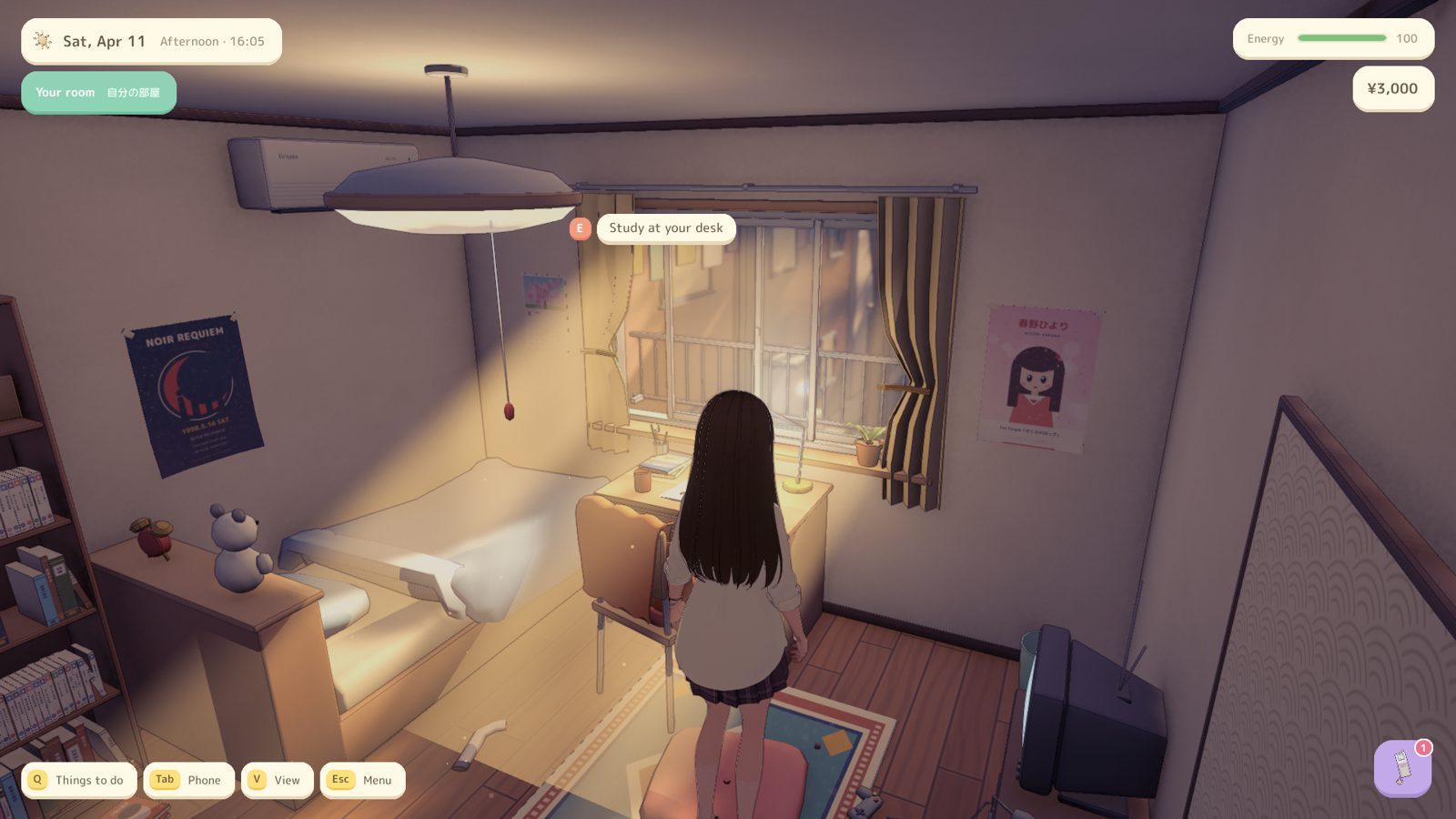 After
AfterAn agent pipeline, from Blender to a playable build.
- Game logic in plain C#
Stats, calendar, schedules, relationships and saving live outside Unity, so 85 automated tests run from the command line.
- A data-driven world
Every lot in the city plan has an ID that becomes a marker in its scene. Content refers to places, not geometry, so a building can change without breaking anything.
- Fixes at import time
Every model passes through an importer that recesses coplanar faces so nothing flickers. The scene builder then adds colliders for furniture baked into room meshes.
- Playtests in the running game
The agent steps play mode frame by frame, walks routes with the real character controller and takes screenshots, so each fix is checked where players will see it.
Day one: thirteen hours, from graybox to golden hour.
- 9:51 AMProject and plan
A Unity 6 URP project and a written plan, then the C# core with 81 tests before there was a single graphic.
- 11:03 AMFirst playable
Additive scene loading, the player controller, camera zones, dialogue, the phone UI and a time-of-day system.
- 11:51 AMA world from Blender
A 55-piece modular shopping-arcade kit on a 0.5 m grid, sharing a few texture atlases. Every brand is fictional.
- 12:40 PMVertical slice
Title screen to bedroom to street to shop, with save and load, reviewed from screenshots.
- 5:45 PMPlaytest fixes
An eye-level camera with a first-person toggle, distance blur, a cozier UI, and characters no longer glowing in the sun.
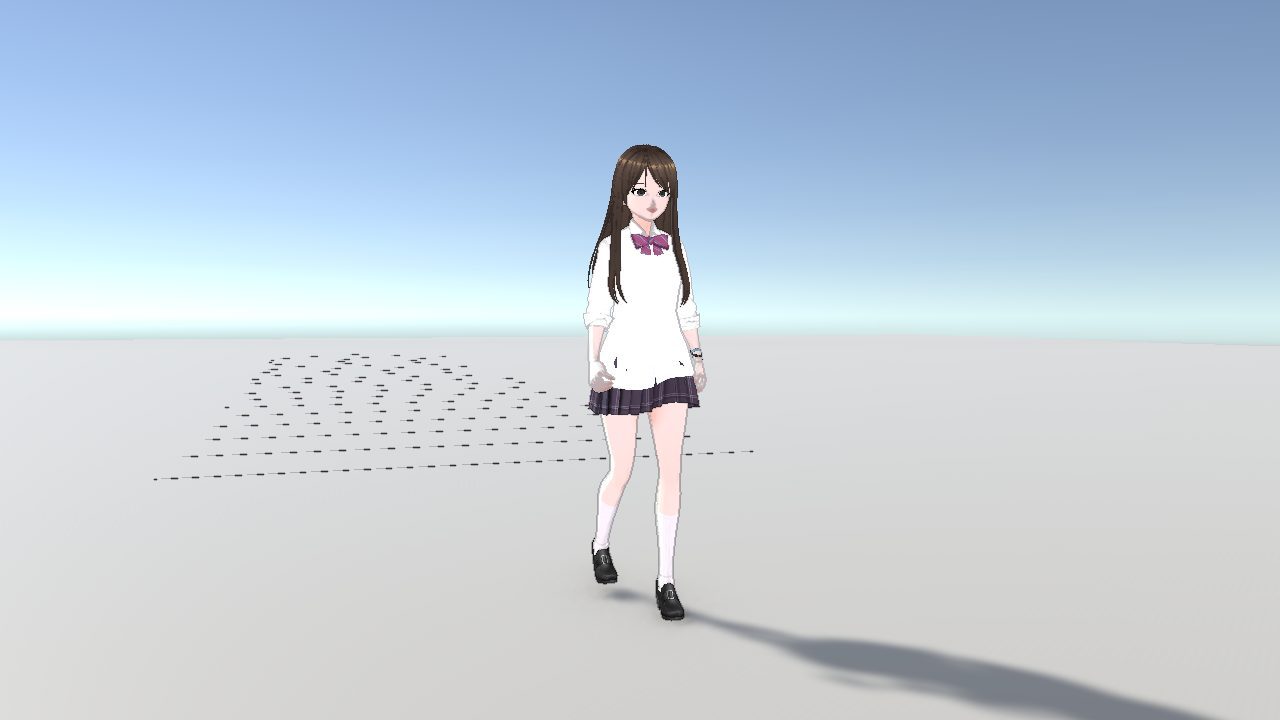
- 6:25 PMA procedural walk
The prototype’s procedural walk and run, ported to Unity and tuned to feel relaxed.
- 7:53 PMA multi-room home
Living room, kitchen, bedrooms and bath in one scene, each with its own doors, camera and activities.
- 10:49 PMA lived-in house
Clutter, high-poly cloth, and the real street placed outside every window through a street-to-house coordinate transform.
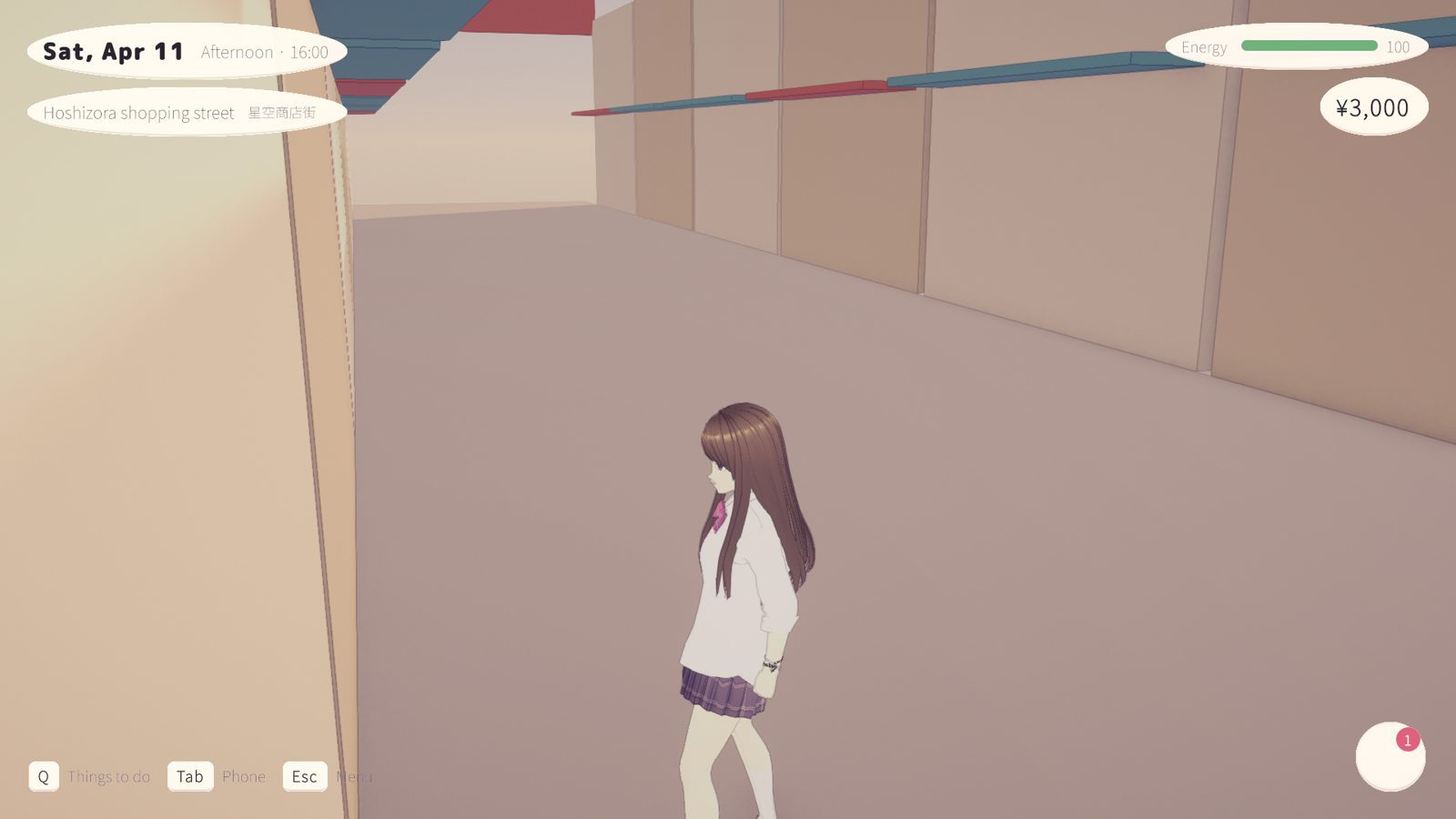
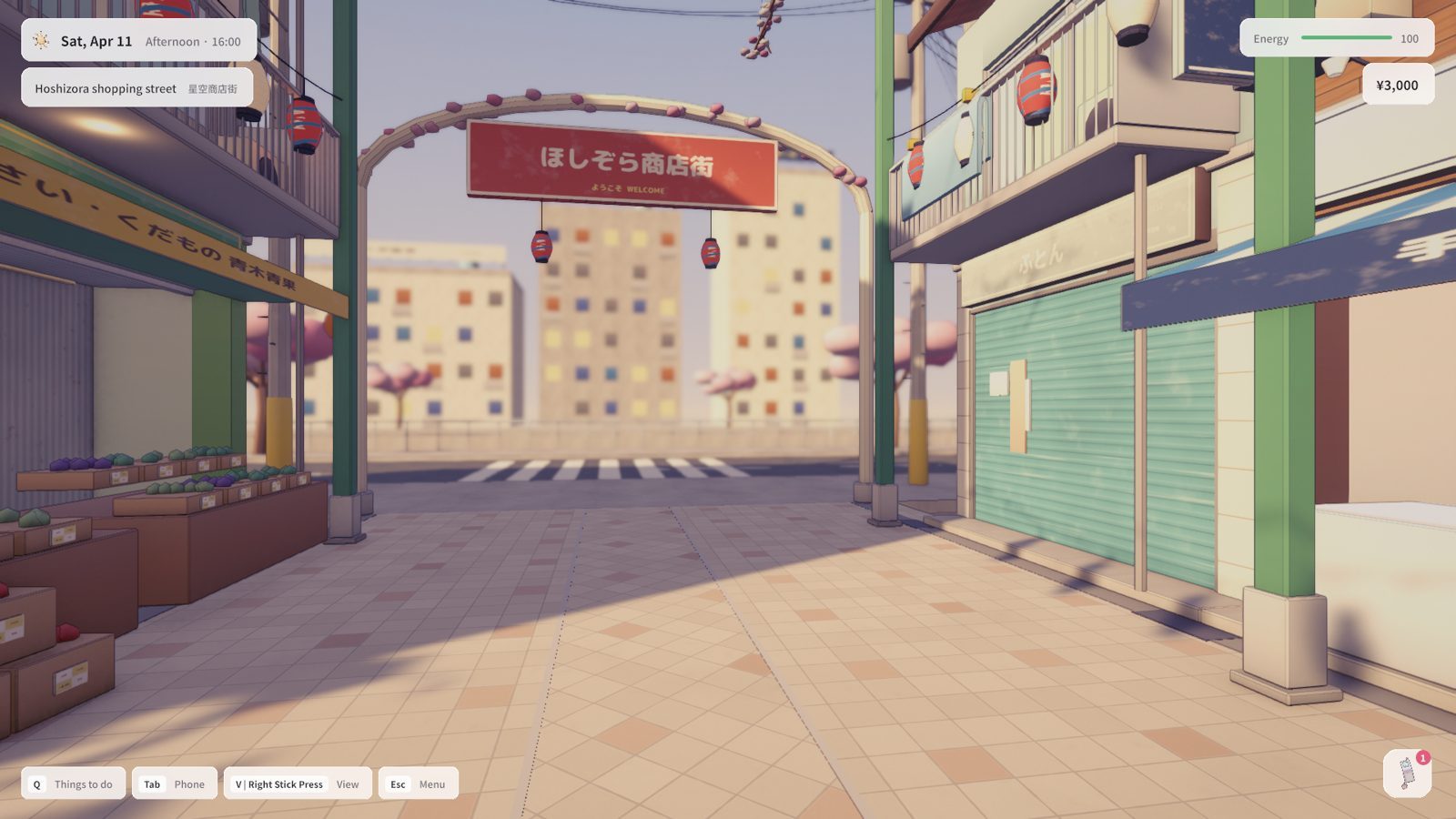
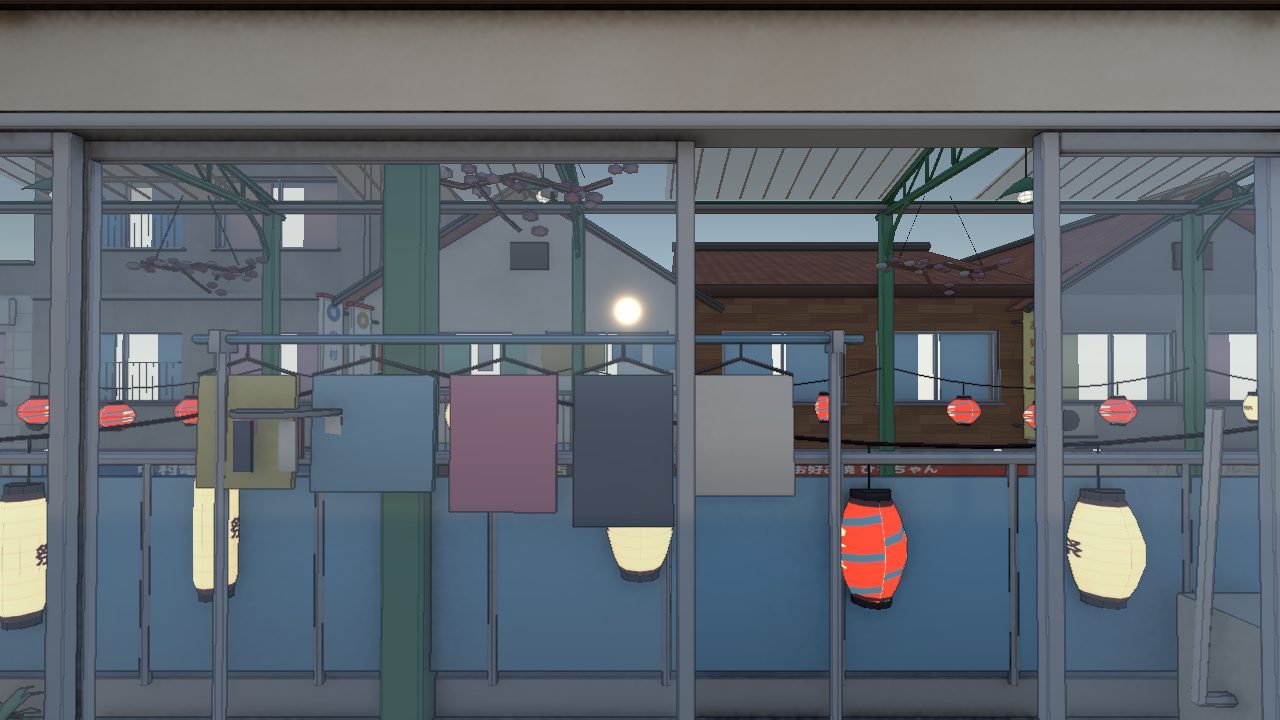 Before
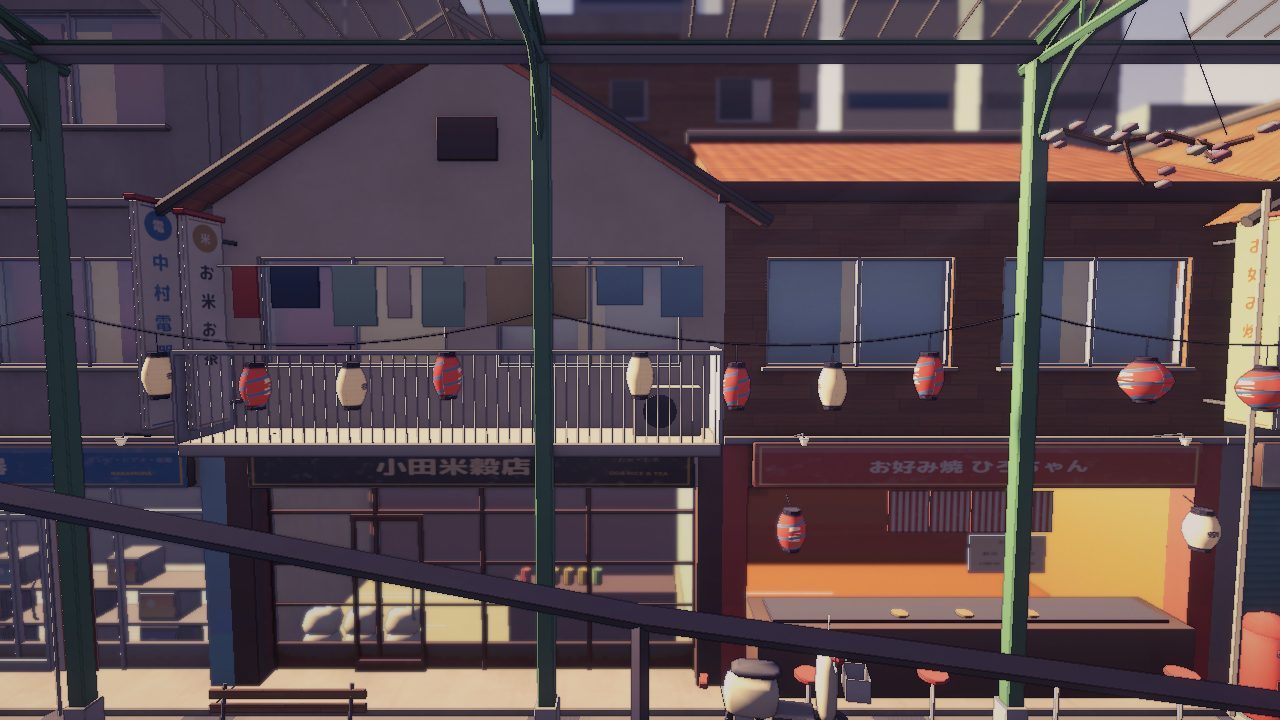 After
After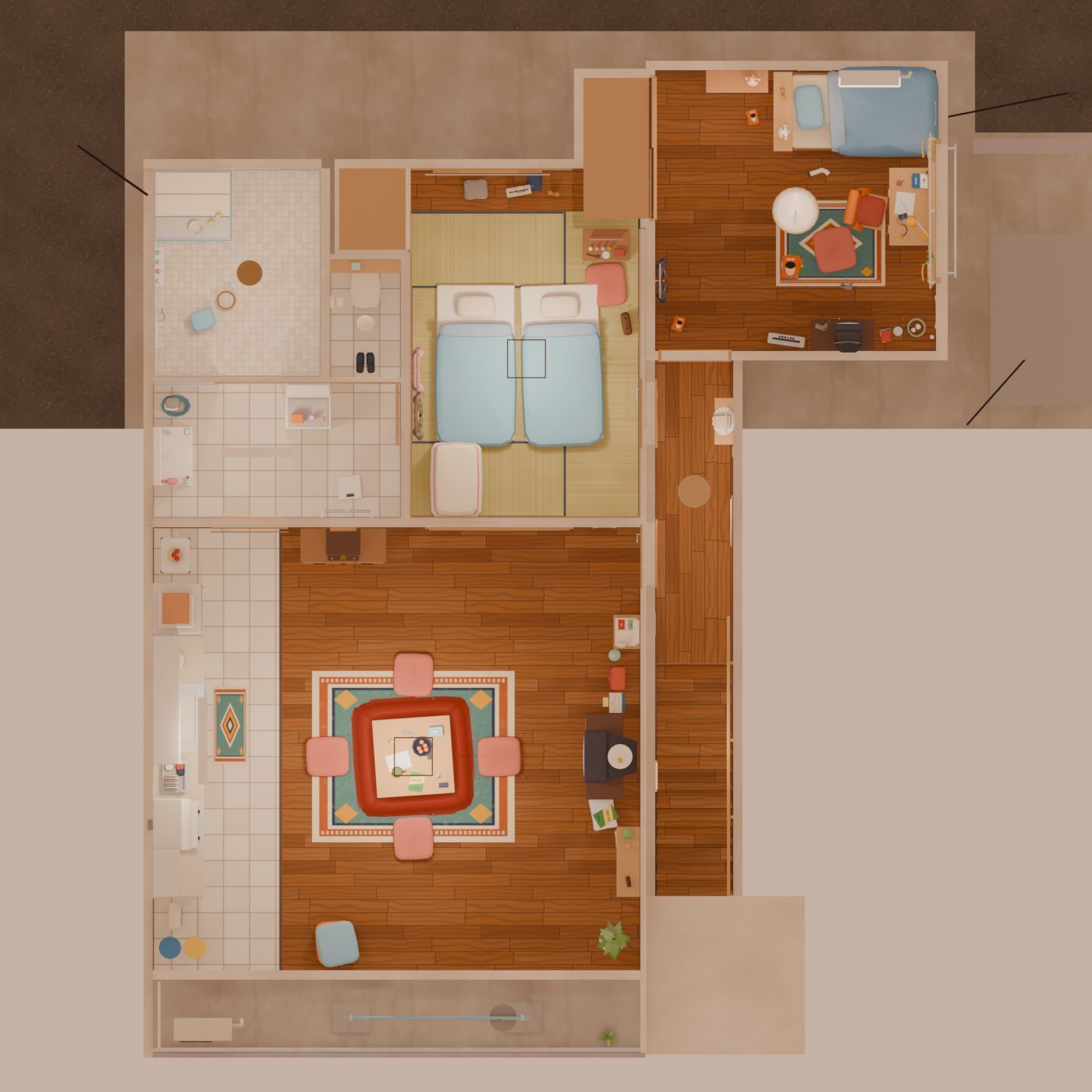
Measure first, then build more.
I want high-poly props, lots of clutter and a full cast, all on a MacBook Air. So before building the next district, I measured every location against a starting budget.
- 01Stand-ins for distant viewsLow-detail models out of the windows: the home goes from about 310k to about 130k triangles.
- 02Bake the detailModel high, bake into textures on a lighter mesh, and keep true high-poly for close-up hero props.
- 03Detail that drops with distanceLODs on buildings and clutter.
- 04Texture disciplineCompression, size caps, and streaming only the resolution the camera needs.
- 05Chunked districtsBig districts load and unload in blocks as you walk, and free their memory when you leave.
- 06A cap on active charactersAnimation and hair physics pause off-screen, and distant characters use simpler meshes.
What I ran into.
A screenshot tool left one UI setting switched on, and it painted over the whole game. It’s fixed at the source, the game resets the setting on every start, and a test guards the asset.
Auto-collision sealed the doorway, then the sliding door moved into the wall, then into the middle of the bedroom. Now, after every change, a check walks from where you arrive in each room to every door in it.
The anime shader multiplied the sun’s full intensity, and the hair had a little emission built in. Shading is now balanced against the scene’s exposure, with the emission off.
Two surfaces in exactly the same place fight over which one is drawn. An import-time pass finds coplanar faces on every model and recesses one of them by about a millimeter.
Three times, the connection that drives Unity froze until a restart. The cause was starting tests while the game was in play mode, so tests now only run from an idle editor.
One art round pushed a 16 GB laptop to 15 GB, with the whole house and 125 street models open in Blender beside Unity. The pipeline now works one asset at a time, in small rounds, with light previews.
Most of day one’s bugs only showed up in play: a doorway that looked open but wasn’t, a door prompt reaching into the next room. Walking every route after every change, and measuring scenes before adding more, mattered more than any single feature.
Stand-ins for distant views, LODs and texture settings first, then the next district of streets and interiors, built on the same shop-house floor plan and the new performance budgets.